engineering
How to Enable Remote Connections in MySQL: Security Guide
Learn how to configure MySQL for remote connections safely. The step-by-step guide includes security best practices, troubleshooting tips, and proper IP configuration.
 Shashikant Dwivedi

Hey there, database enthusiast! 🚀
Today, we'll walk through configuring MySQL to accept remote connections. While MySQL defaults to local connections, sometimes you need to access it from other machines. Let's set this up securely!
⏱️ Estimated time: 5 minutes
Prerequisites 📋
Before starting, make sure you have:
- MySQL installed and running
- Root or sudo access to your server
- Your server's IP address handy
- A configured MySQL user with remote access permissions
⚠️ Security Note:
Remote connections can expose your database to risks. Always:
- Use strong, complex passwords
- Implement robust firewall rules
- Allow only trusted IP addresses
- Use secure connection methods
Let's Get Started! 🌐
Open the MySQL configuration file:
sudo nano /etc/mysql/mysql.conf.d/mysqld.cnf
💡
Pro tip: Always back up your config file before making changes!
Locate the Bind Address Setting 🔍
Find the bind-address line:
bind-address = 127.0.0.1
Note: 127.0.0.1 means MySQL only accepts local connections.
Modify the Bind Address ✏️
Change it to accept all incoming connections:
bind-address = 0.0.0.0
mportant Configuration Notes 📝
- 0.0.0.0 allows connections from any IP address
- Use this carefully in production environments
- Combine with strict firewall rules
- Always pair with strong authentication
Save and Restart MySQL 💫
After making changes:
# Save the config file (in nano: Ctrl + X, then Y)
sudo systemctl restart mysql
Verification Steps ✅
Verify MySQL status:
sudo systemctl status mysql
Check MySQL listening ports:
sudo netstat -tuln | grep 3306
Troubleshooting 🔧
Connection issues? Check:
- MySQL service status
- Firewall settings
- User privileges
- Configuration file syntax
Firewall Configuration 🛡️
Allow MySQL port through UFW:
sudo ufw allow 3306/tcp
⚠️ Critical Security Warning:
- 0.0.0.0 is convenient but risky
- Always combine with strict authentication
- Use VPN or SSH tunneling for added security
- Regularly monitor and audit access logs
⏱️ That's it! Your MySQL now accepts remote connections.
Firewall Recommendations 🚧
Consider using:
- UFW (Uncomplicated Firewall)
- iptables
- MySQL's built-in access controls
Need help troubleshooting remote connections? Drop a comment below! Stay secure and happy database managing! 🔐
Security: exposing database ports
Opening database ports to the public internet is convenient for demos and risky in production. Prefer VPN, SSH tunnels, or IP allow-lists, enforce TLS where available, and use strong users and network rules.
Written by Shashikant Dwivedi
Engineer, occasional writer, full-time noticer. Based in Prayagraj, India. New essays land roughly twice a month.
Keep reading
Adjacent essays.
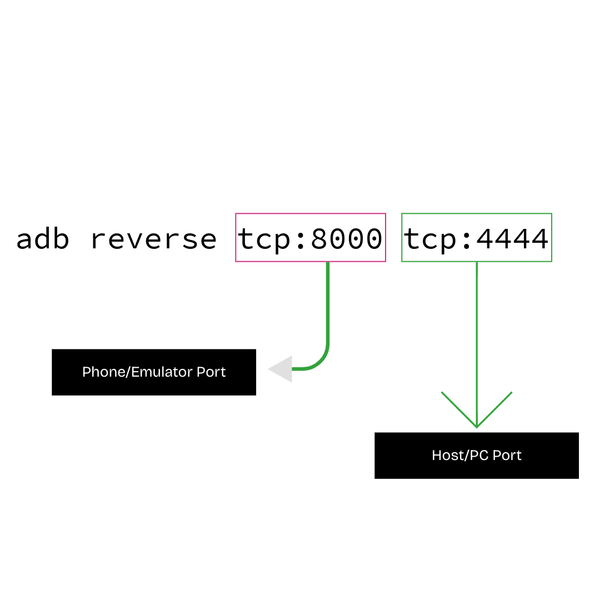
How to Forward an Emulator Port to Your PC Using ADB (Beginner’s Guide)
Hey there, If you are an Android developer or develop apps for Android using Java, Kotlin, Flutter, react native or any other language, you might have been stuck on a stage where you need your backend, which is running locally, to be accessible from your Android emulator or your …
Read article

How to Install Redis on Ubuntu Server and Enable Remote Access
Step-by-step guide to installing Redis on Ubuntu server, configuring for remote connections, and securing with passwords. Perfect for beginners—get started in minutes!
Read article

How to Enable Remote Connections in PostgreSQL: Security Guide
Learn how to configure PostgreSQL for remote connections with our step-by-step guide. Securely modify config files and set up access in minutes!
Read article